Getting Started as User
-
Start you vpw instance (docker-compose or helm) and browse to your
localhost:8080or exposed ingress address. You should see an empty process warehouse-dashboard. -
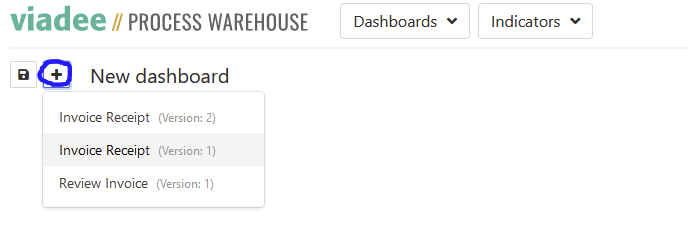
Click “plus” and select your process definition you want to add a visualisation for.
- You should see the process model of your selected process definition.
- Click “plus” on that process definition to select so called indicators on process/activity level.
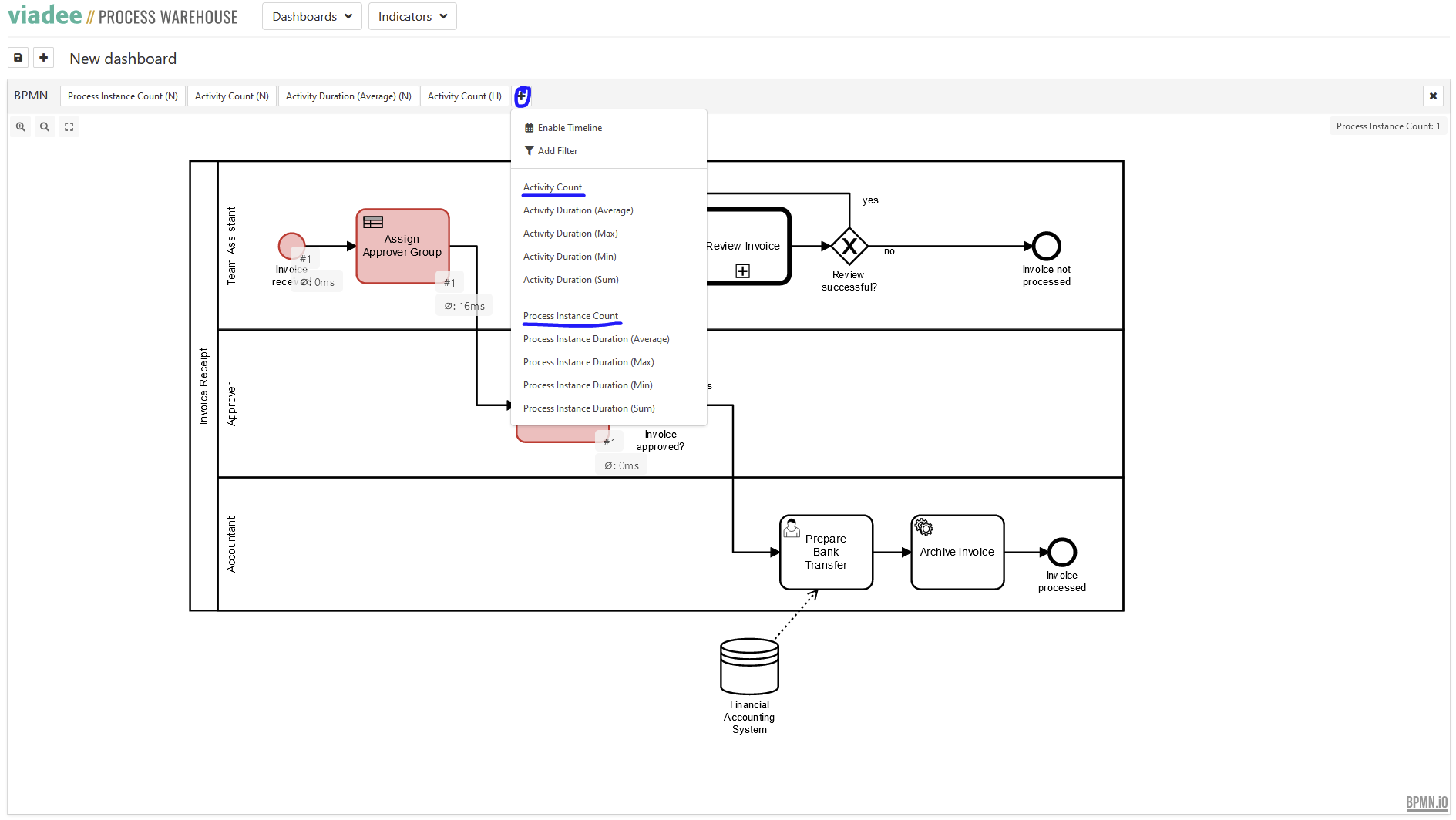
- You could also navigate to
http://localhost:8081/camunda/app/cockpit/default/#/dashboardto start process instances, complete tasks and see data and events coming in to the process warehouse.
Further explanations and tutorials
- Visit our website: https://www.viadee.de/loesungen/business-process-management/process-warehouse
- Watch our introduction and tutorial videos: